Already built a product with AI? Now let us get the experience right.
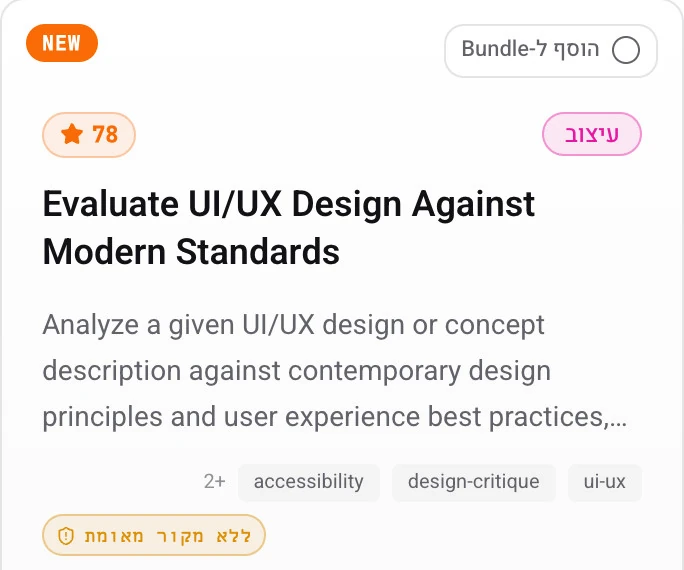
A UX review for a website or app built with AI: what is clear, where people get stuck and what to improve. We can also keep going into design and implementation, with a separate quote.
When to get in touch
Expert review
- The site looks like a template
- It is not clear what to do on the screen
- It is hard to use on a phone
- People stop halfway through signing up
- There is a product, but no expert eye on it
- Fixes made with prompts do not fit together
- Hebrew and the design do not get along
- Before launch, you want it checked
A real product, and decisions that could be better
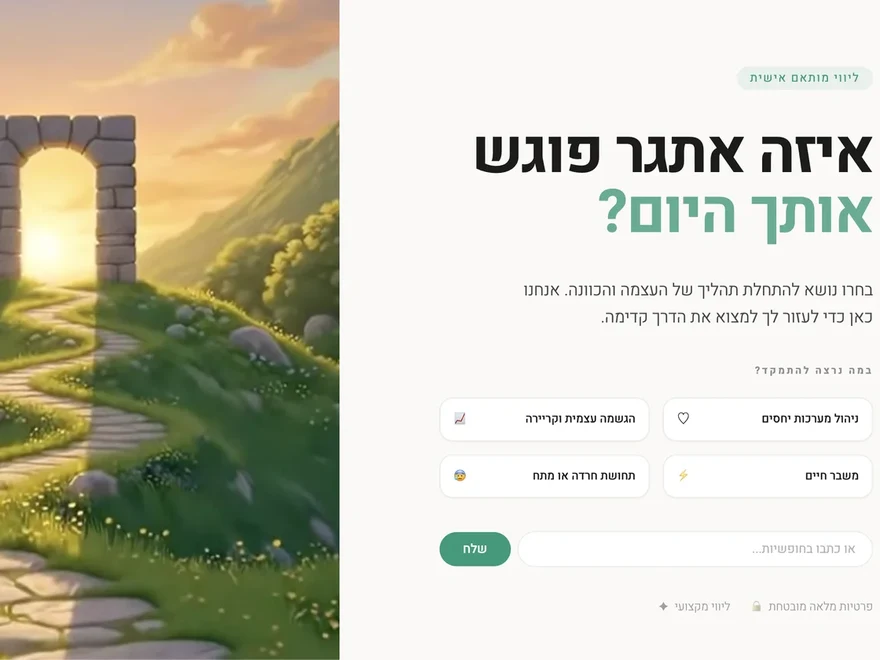
From my review of AI Skills Hub, a product I built with AI: 23 screens on a phone and three bottlenecks.
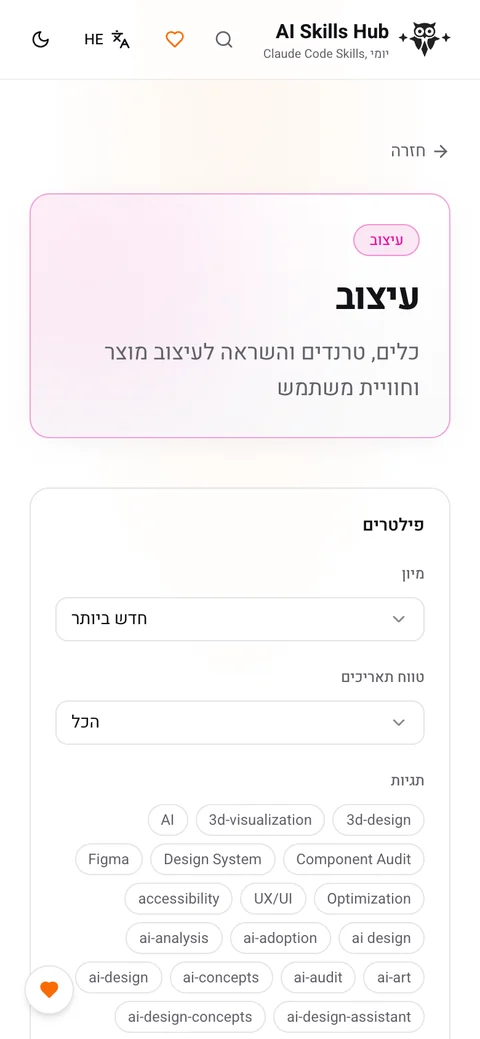

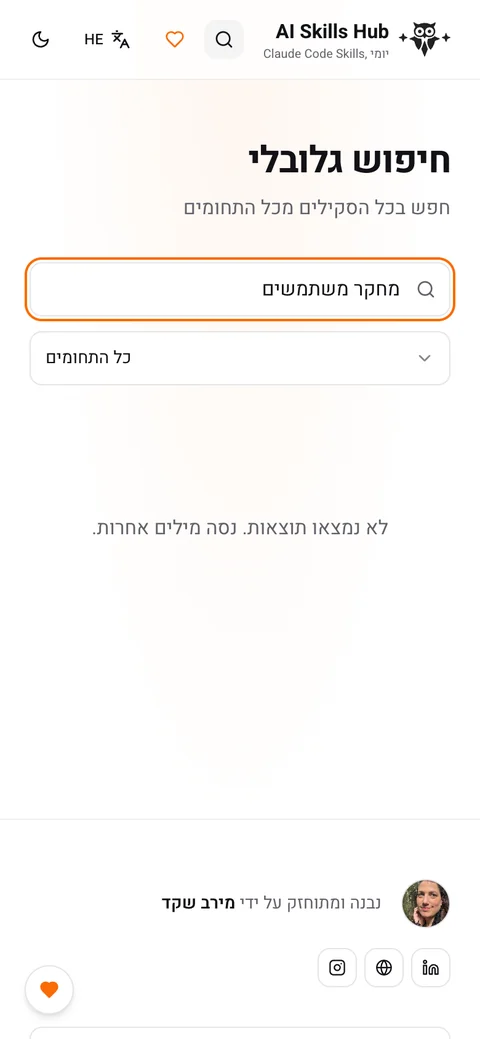
A report you can act on first thing tomorrow
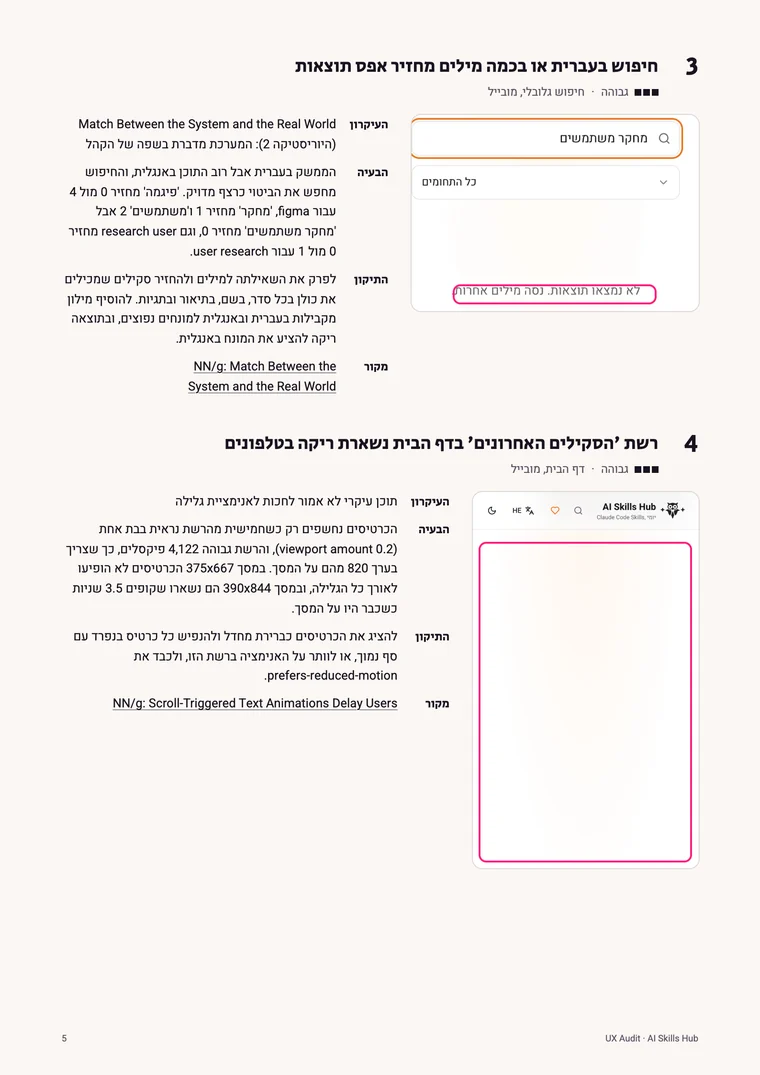
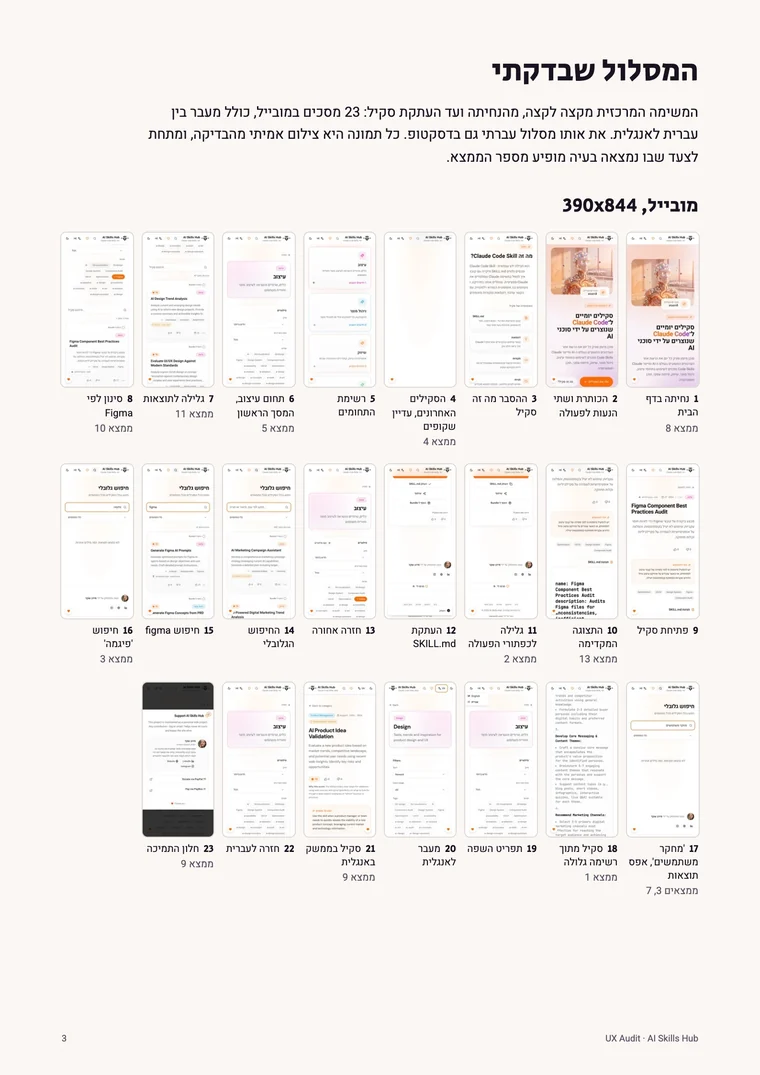
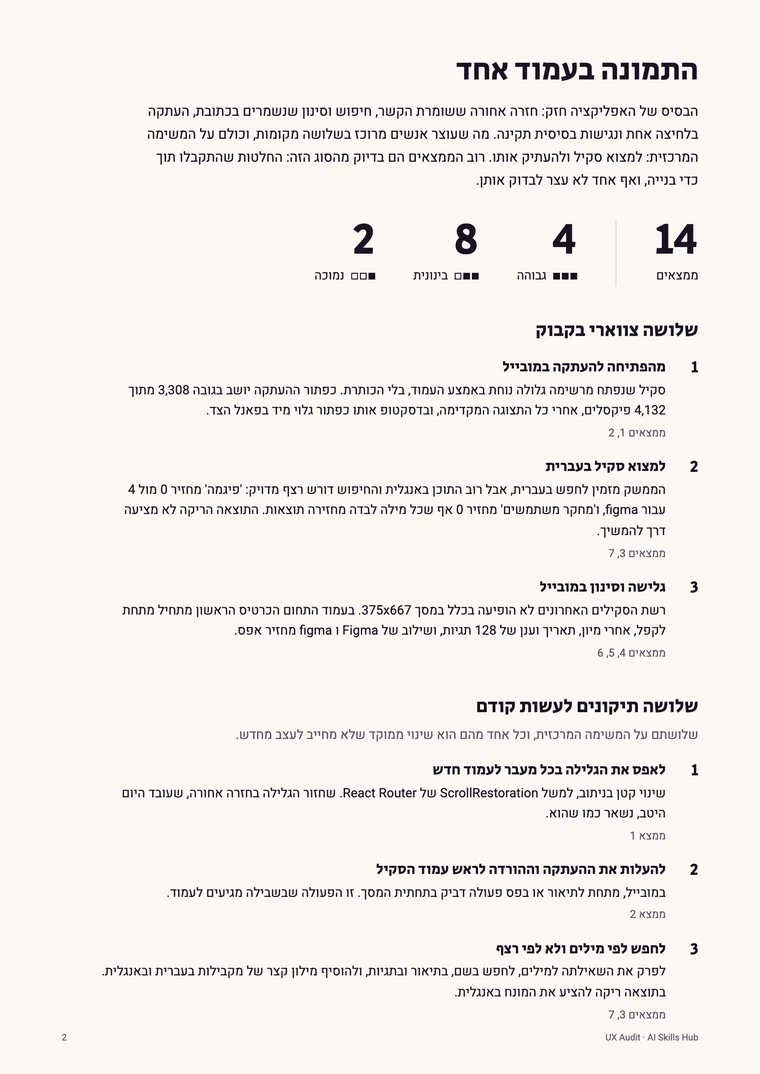
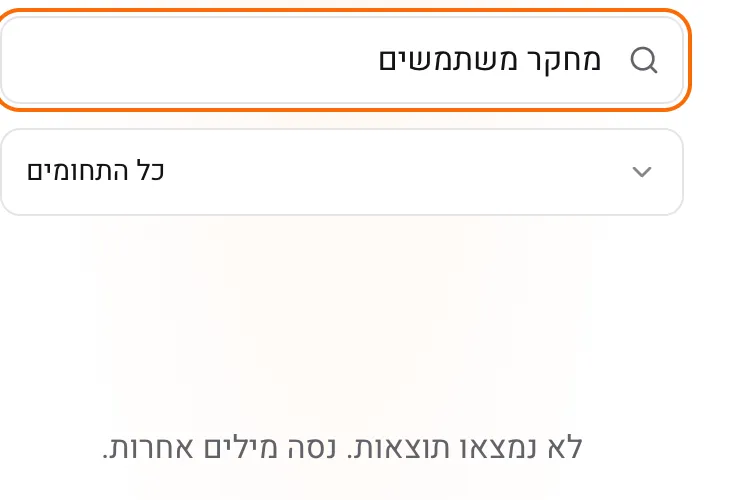
Searching in Hebrew, or with more than one word, returns zero results
- The principle
- The system speaks its users' language.
- The problem
- In Hebrew, 'research' returns a result, and 'user research' returns zero.
- The fix
- Search by word, not by exact phrase, and add a list of synonyms.
- The source
- NN/g: Match Between the System and the Real World
From the review to a better product
- On a fit call, you show me a link to the product, what it is meant to do and where you need help.
- Once we define the tasks, I will send the scope, price and timeline for your approval.
- The review includes a report with screenshots, prioritised fixes and guidelines for next steps.
- You can continue into design and implementation: screens, user flows, mobile and right to left layouts. Scope and price are separate, and depend on the access I get to the project.
- Show the user's own work on every screen from paste to preview; images before text, before any choice.
- Every free action has a named control on the screen where it is used, not only a sentence in chat.
- One word per action across UI, chat and marketing (Own it, not Publish).
- Touch targets 44x44, 4.5:1 contrast for small text, inert on closed panels, role="status" on anything that appears by itself.
What I check
We choose the tasks together on the first call, and for each one I go through these layers.
Clarity
What the product is, who it is for, and what to do.
The main tasks
From start to finish, without skipping a step.
Phone and desktop
Both, not just one of them.
Hebrew and text direction
Text, fields and numbers that face the right way.
Forms and edge cases
Errors that explain, and empty screens that point the way.
Speed and links
Load time, and links that lead somewhere.
Basic accessibility
Contrast, text size and tap areas.
Consistency
Buttons, headings and spacing that behave the same way.
Security and code are not part of the review.
Two ways to review
Expert review
My AI agent scans the product, and I go through every task myself, on phone and desktop. You get a full report, most serious first, with a screenshot, principle, fix and source for every finding.
Send a message on WhatsAppReview and user interviews, recommended
The expert review, plus two to five interviews with people who use the product, depending on its complexity and the number of personas. The review shows where the interface is unclear, and the interviews show where it does not fit the way people actually work.
Send a message on WhatsApp
The price depends on the size of the product. It comes in a written quote after a short call.
I direct. The AI does the work. I review it.
I have been a designer for more than 15 years, including four years leading design at a SaaS product for businesses: a web platform and three apps that businesses work in every day. I reviewed my own products, AI Skills Hub and Promtfolio, exactly this way.
"She is very professional, keeps pushing her team forward, has the amazing skill of remembering everything, is very open minded and accepting and is so kind to work with. Whoever will work with her is so lucky."



Questions
I built it with Lovable, Base44 or Claude Code. Is that a fit?
Yes, and Bolt, Cursor or any other tool too. The review looks at the product, not the tool. I can also review it before it goes live, through a preview link.
What does the expert review include?
Findings, most serious first, each with a marked screenshot, principle, fix and source. It also covers what works well, and ends with rules to paste into your AI tool's instructions to guide the work ahead.
Can you review an internal system too?
Yes. A test environment with sample data and a test user is best. I blur names and numbers in screenshots, everything I see stays between us, and we can sign an NDA.
Do you check security and code too?
No. I review the user experience and the visual design: where people get stuck and what is unclear. For security and code, it is worth bringing in a developer who specialises in that.
How much does it cost, and when can we start?
The size of the product and the number of tasks set the price and the timeline. After a short call I will send a written quote with both, including when we can start.
And after the report?
You can act on it yourself, fix it with me in a hackathon, or have me fix it. If we continue together, I will send a separate quote. Either way, the report is yours.
What else is an expert review called?
UX review, user experience review, UX Audit or usability review. Some say 'I built a site myself, and something is not working' or 'my site looks like every other site'.
Something on your mind? Let us talk.
A 15 minute fit call. It helps to have a link to the product ready, and one sentence on what you want to improve. Afterwards I will send a quote based on the scope, before any work begins.